SaaS — Design System
AI Canvas Workspace

Overview
Constructing an intuitive infinite canvas interface for generative visual design collaboration.
Role
Lead Product Designer
Tools
Figma · Framer · AI Tools
Year
2026
The Challenge
The AI Canvas Workspace needed to make AI-powered creation feel simple without limiting the creative freedom of users.
Some of the key challenges we identified were:
1. Managing multiple creative elements:
Users often work with images, text, prompts, references, and generated content at the same time. The workspace needed to organize these elements without making the interface feel overwhelming.
2. Making AI interactions intuitive:
AI tools can introduce unfamiliar workflows. Users needed a clear way to enter prompts, generate content, review results, and continue refining their ideas.
3. Maintaining creative flow:
Constantly switching between different tools can interrupt the creative process. The workspace needed to bring essential creation tools into one connected environment.
4. Creating a flexible canvas:
Different projects require different layouts. Users needed the freedom to move, arrange, resize, and connect content on the canvas according to their workflow.

Process
Our team started by understanding how creators currently use AI tools during the ideation and design process. We explored existing creative workflows, identified repetitive interactions, and looked for opportunities to bring multiple stages of AI-assisted creation into one workspace.
Understand creative workflows
Research AI-assisted creation tools
Synthesize user needs and pain points
Ideate the canvas interaction model
Create an interactive prototype
Test the workflow and refine the experience
Solution
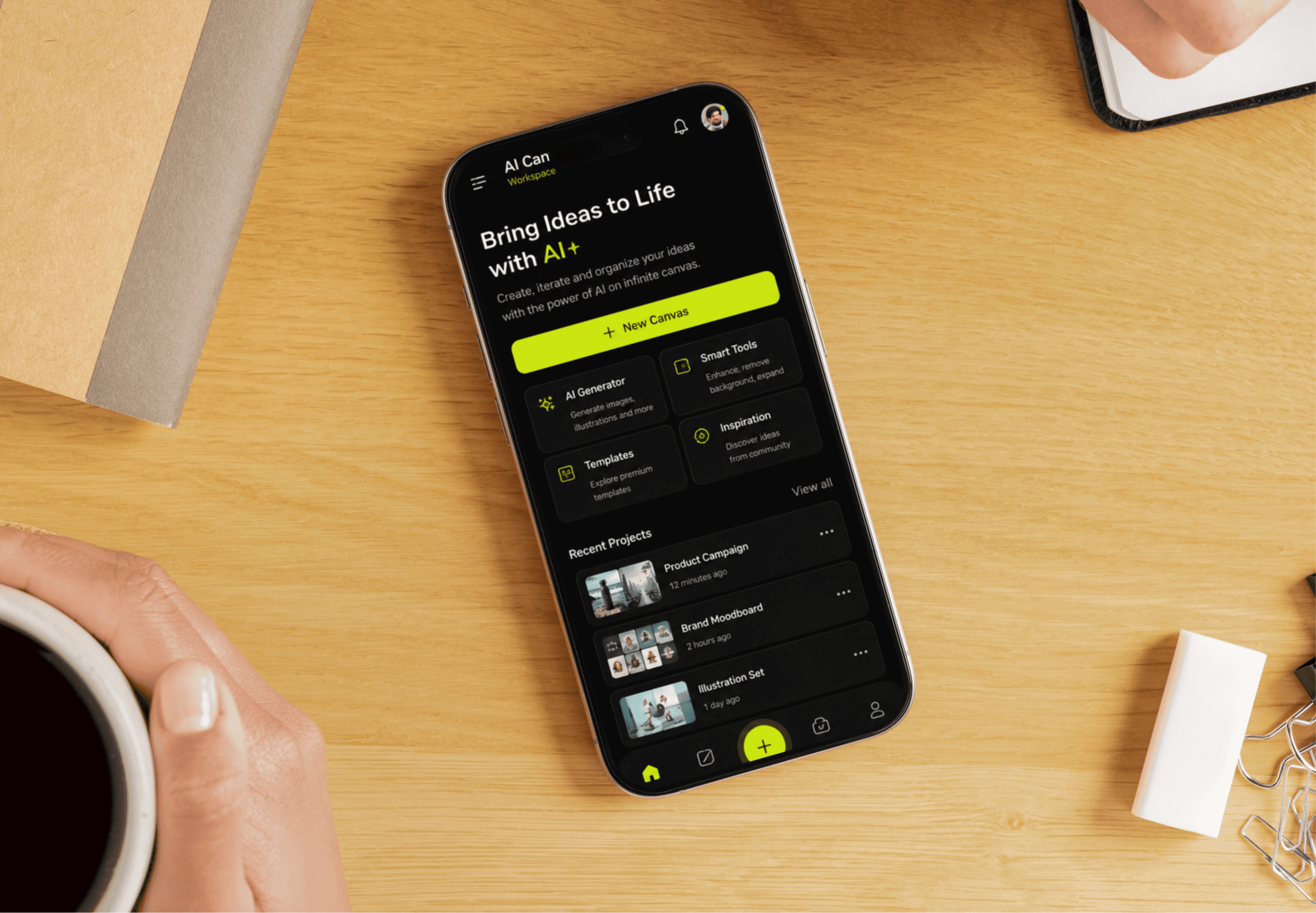
The AI Canvas Workspace brings AI-powered creation and visual organization into a single flexible environment.
Infinite Canvas
Users can freely arrange ideas, generated assets, references, and notes across an open canvas.
AI Prompt Workspace
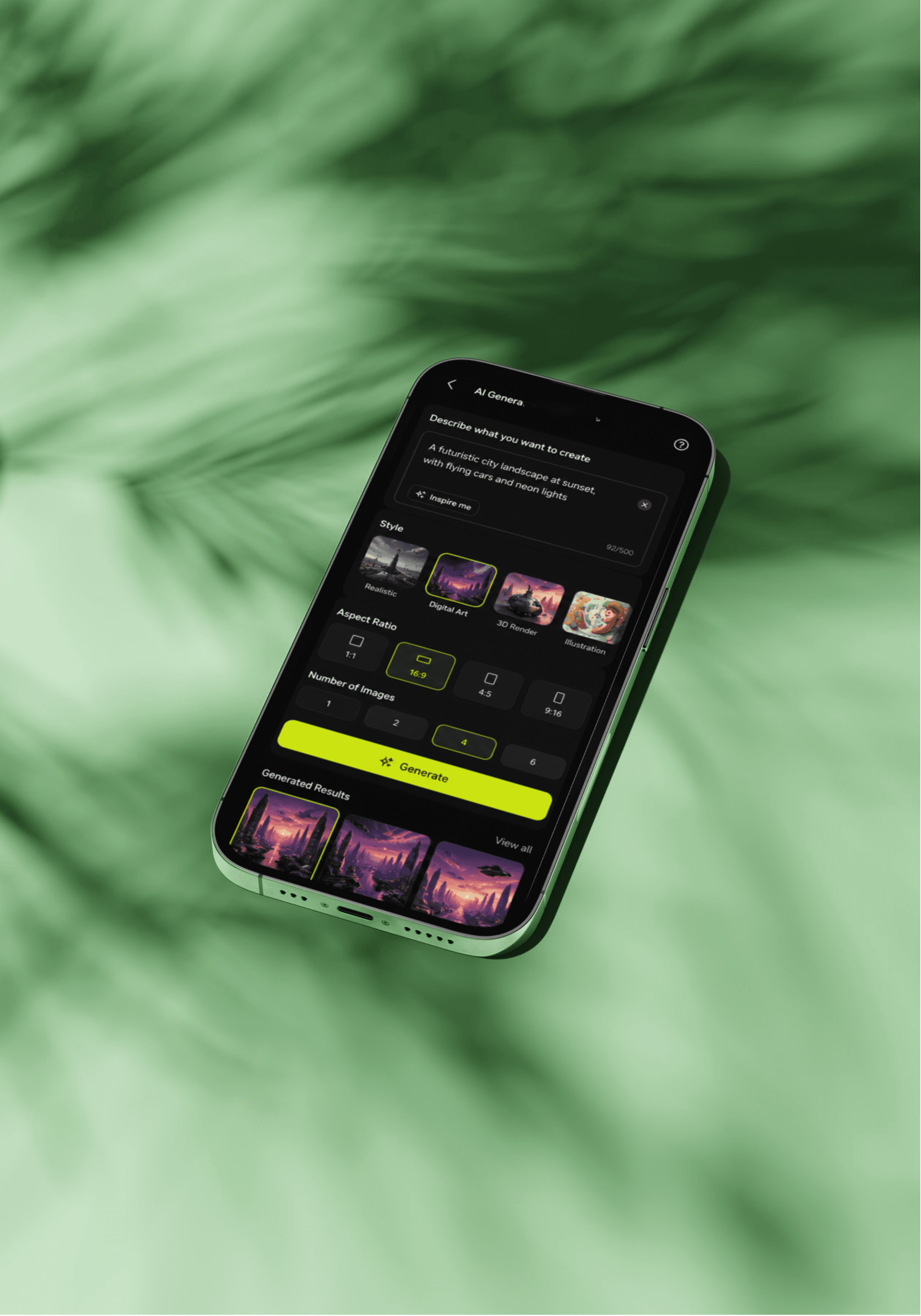
A dedicated prompt interface allows users to describe what they want to create and quickly generate new content.
Generate & Iterate
Instead of treating AI generation as a one-time action, the workspace allows users to review generated results, make changes, and continue iterating.
Smart Organization
Content can be grouped and organized visually, helping users maintain a clear overview even as projects become more complex.
Contextual AI Tools
AI actions are placed close to the content they affect, reducing the need to switch between separate screens or applications.
Collaboration
The workspace provides a shared environment where creative ideas and generated assets can be reviewed and developed together.
Process
The project demonstrated how an AI-powered workspace can combine creative freedom with structured interaction.
The final concept focused on:
Flexible infinite canvas
AI-powered generation
Prompt-based creation
Fast iteration
Visual organization
Contextual AI actions
Collaborative workflows
Reduced tool switching